Your data, on your phone
GridDo needs no internet and no sign-up. Your tasks, categories and statistics live in the phone's local storage.
Task manager · No account · Works offline
GridDo is your personal task manager. Create tasks, group them into color-coded categories, set priorities and due dates, and get reminders on time. Everything is stored on your device: it works offline and without creating an account.
Free · no subscription · no ads · available in Spanish, English, French and Portuguese.
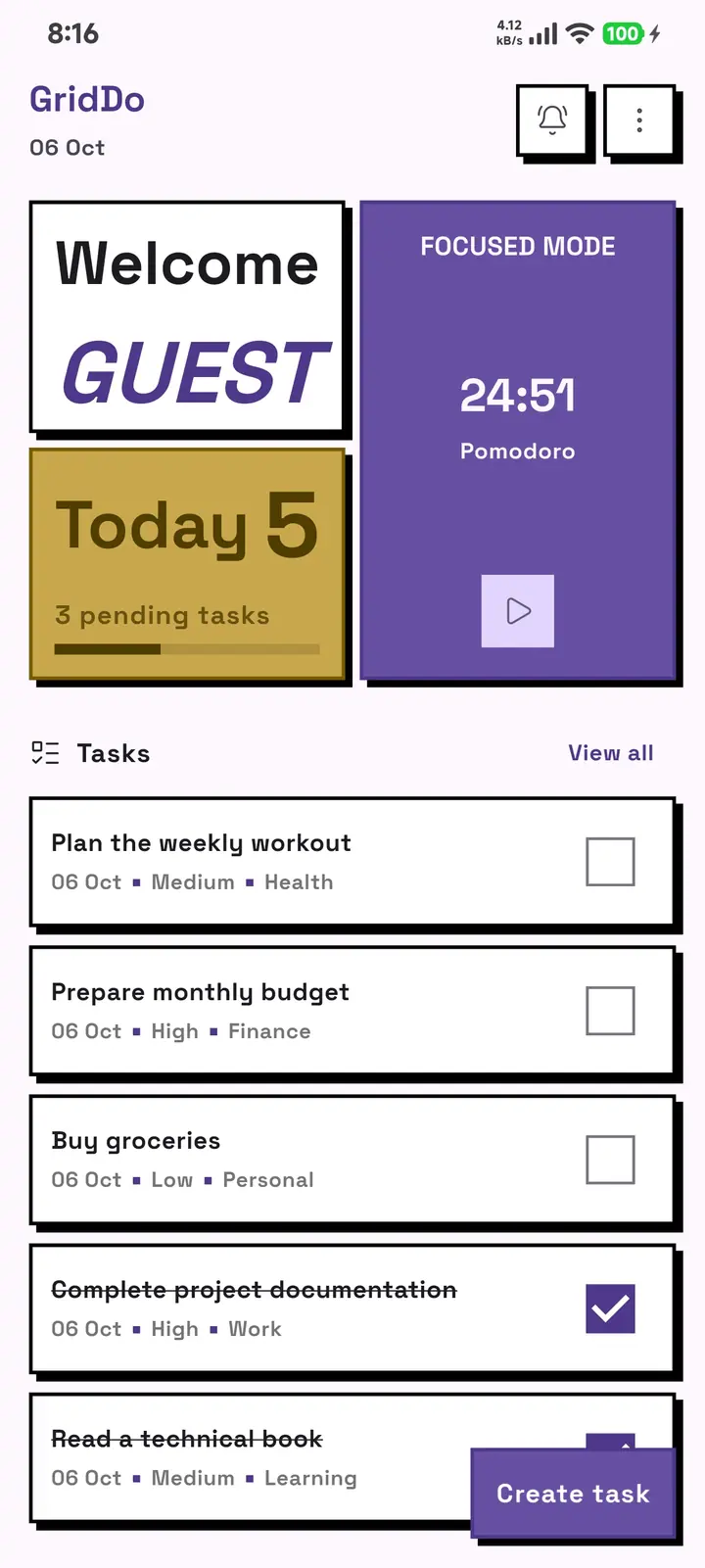
GridDo needs no internet and no sign-up. Your tasks, categories and statistics live in the phone's local storage.
Set a daily reminder time, get per-task alerts, and mute the categories you don't care about.
Pomodoro timer with configurable work and break sessions, plus a completed-session counter.
Create, organize, prioritize, schedule, focus and measure your progress without leaving the app. No paywall, no ads and no sign-up.
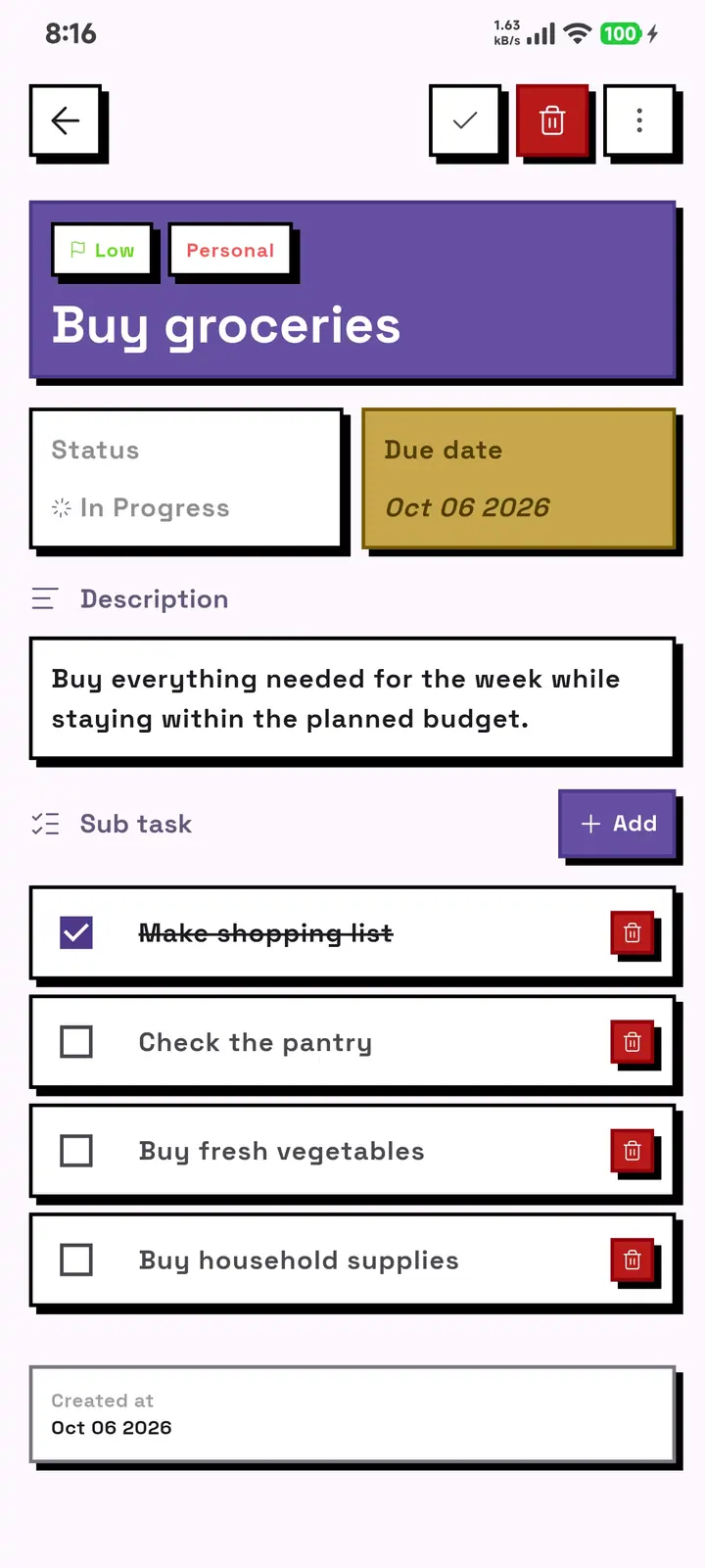
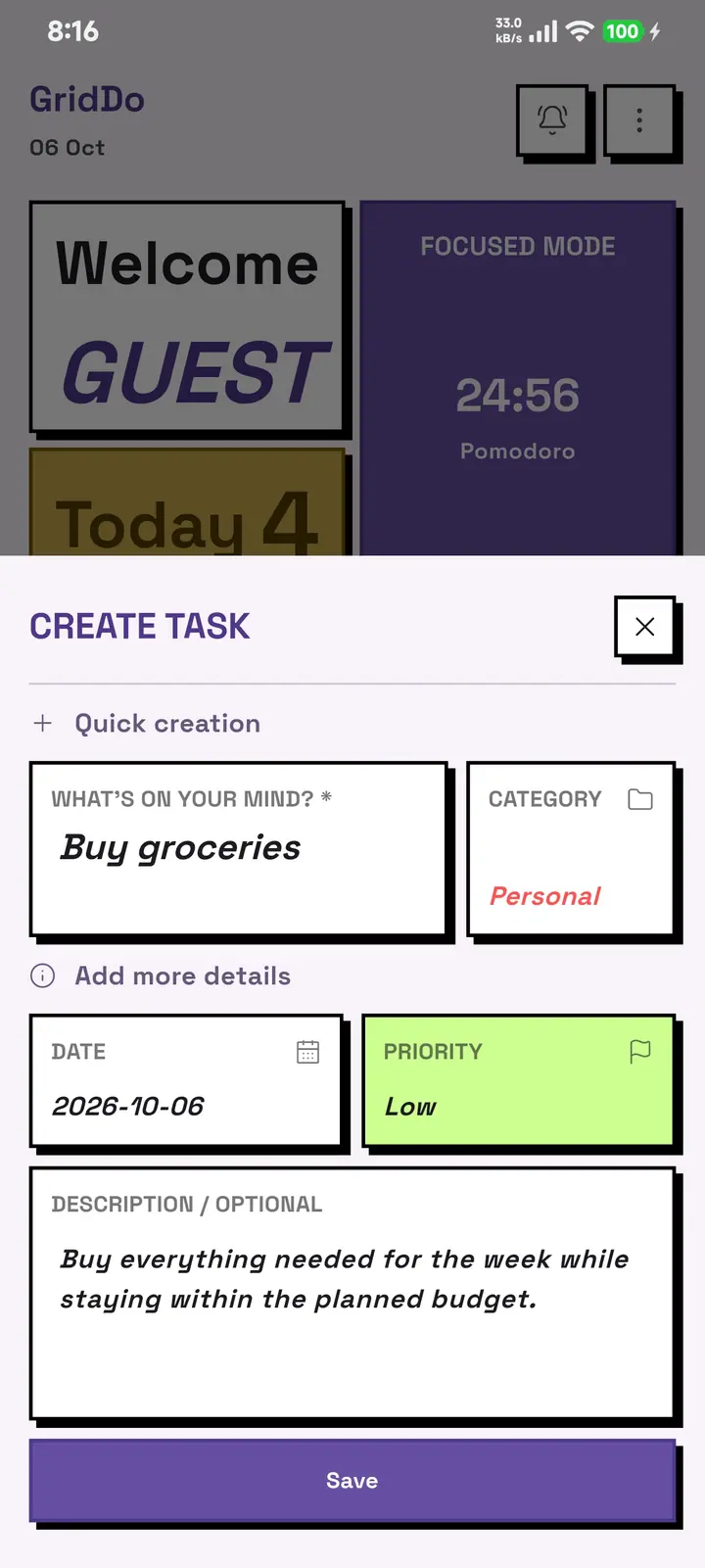
Create a task in one gesture, add subtasks, description, priority and due date.
You can rename it, edit it and flag the important ones.
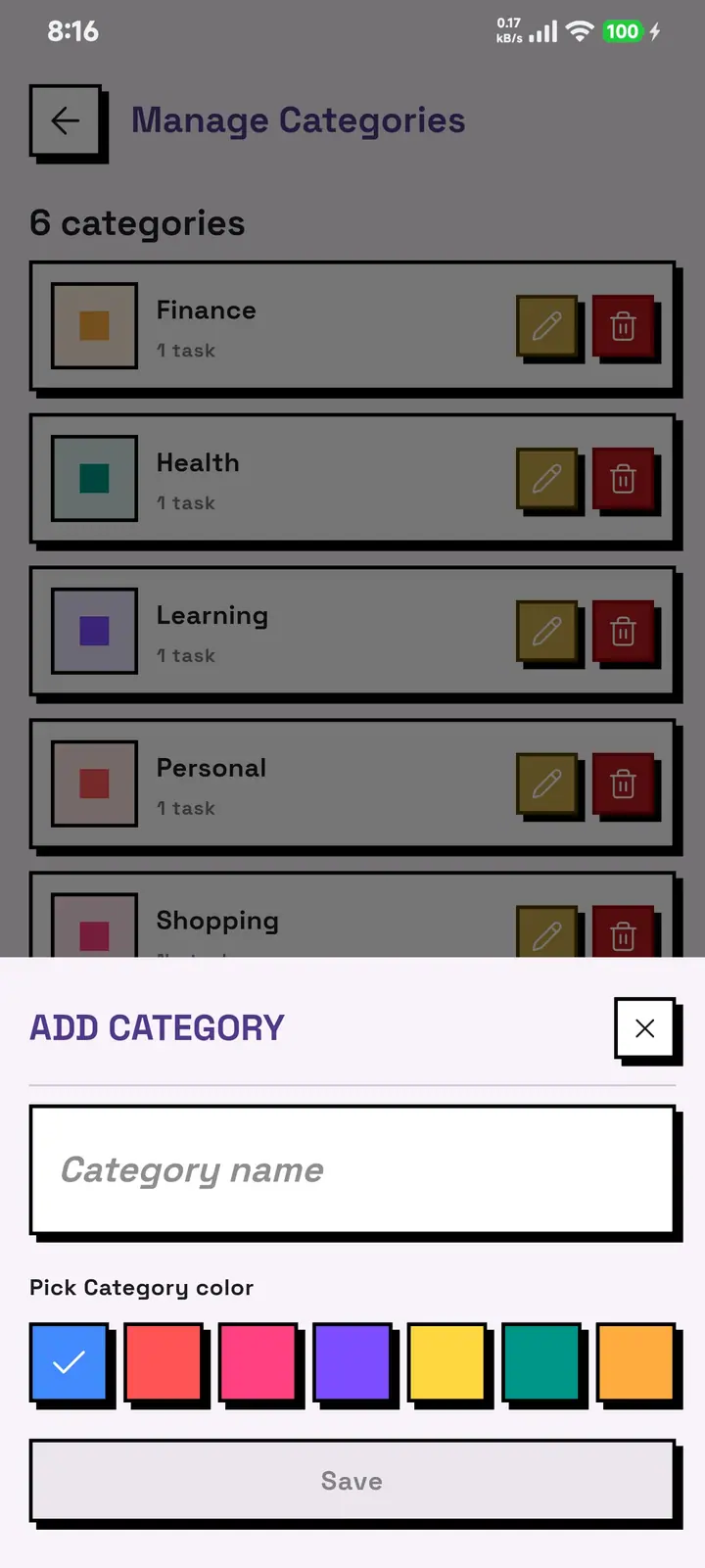
Group your tasks into the categories you decide, each with its own color.
The color carries over to the card, the filters and the statistics.
Mark each task as low, medium or high priority.
And sort them by urgency whenever you need to.
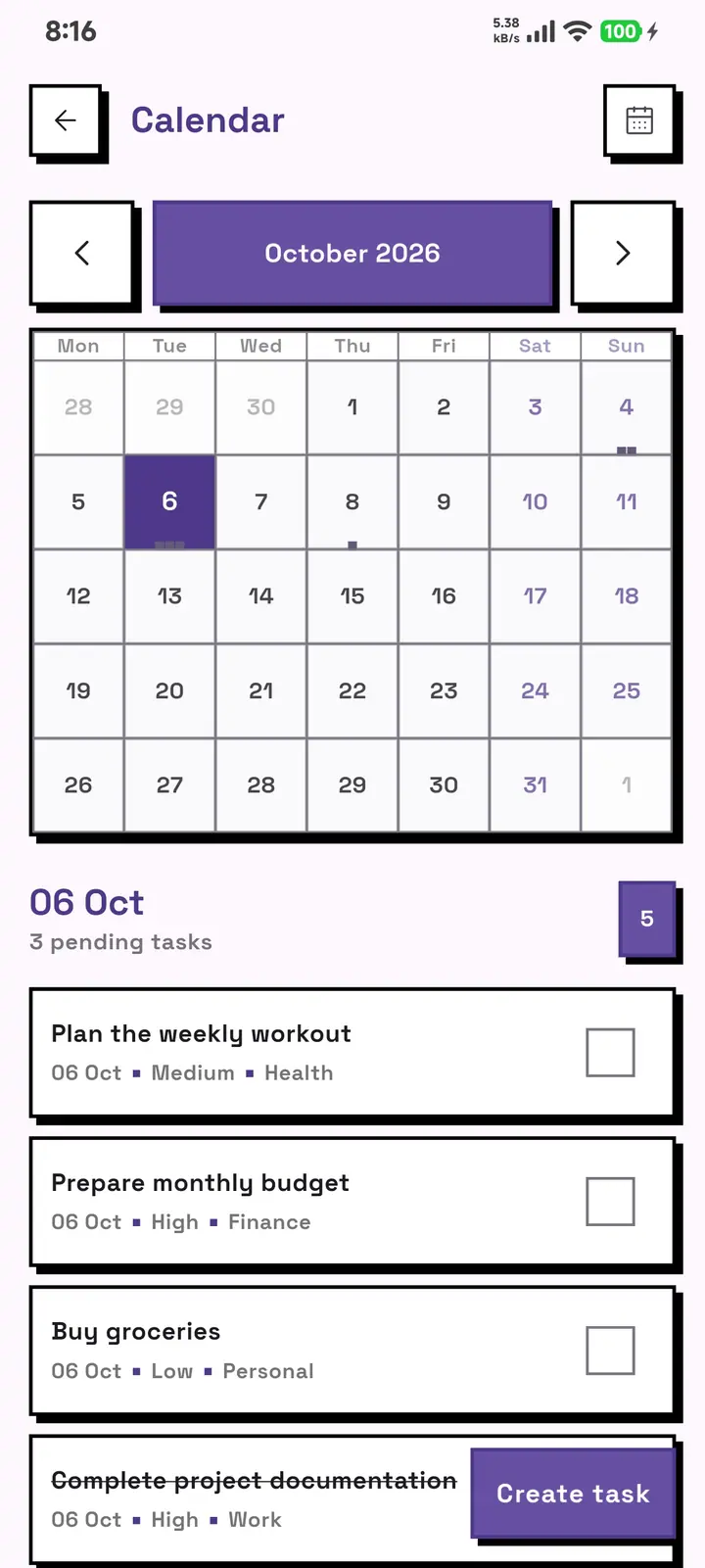
See day by day what you have scheduled.
Move between dates without losing sight of what is pending.
Filter by category, state or priority.
Sort by date, alphabetically or by priority.
One alert per task on its date, plus a fixed daily summary time.
Mute by category when you are in focus mode.
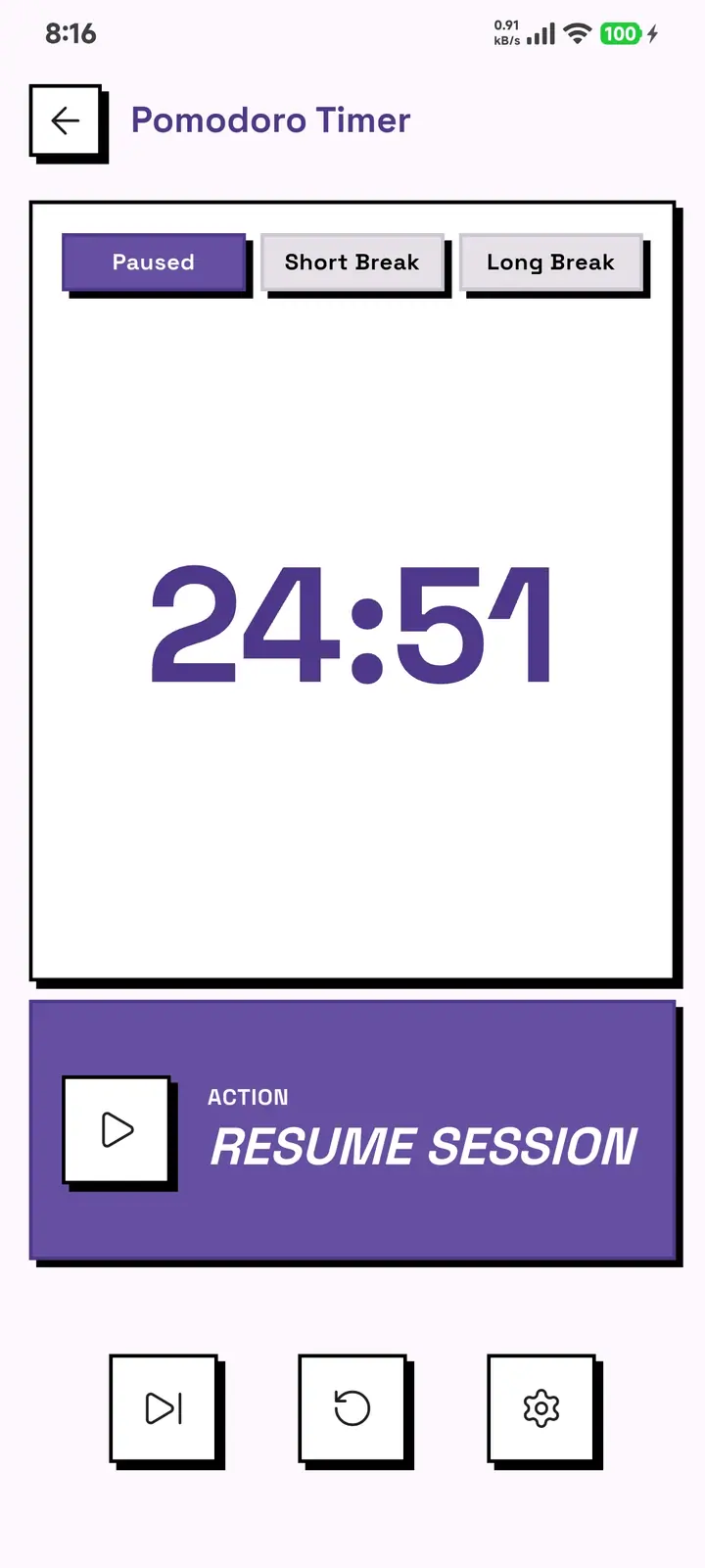
Work and break sessions with the durations you decide.
With pause, resume and a session counter.
Completion rate, totals, a breakdown by category and by priority.
Current streak, longest streak and a heatmap of your consistency.
The Pomodoro timer splits your work into focus blocks with real breaks in between. Set the length of each session and each break from its settings panel, and watch your sessions add up.
Sessions are counted on your phone, next to the rest of your data. Nothing is sent to any server.
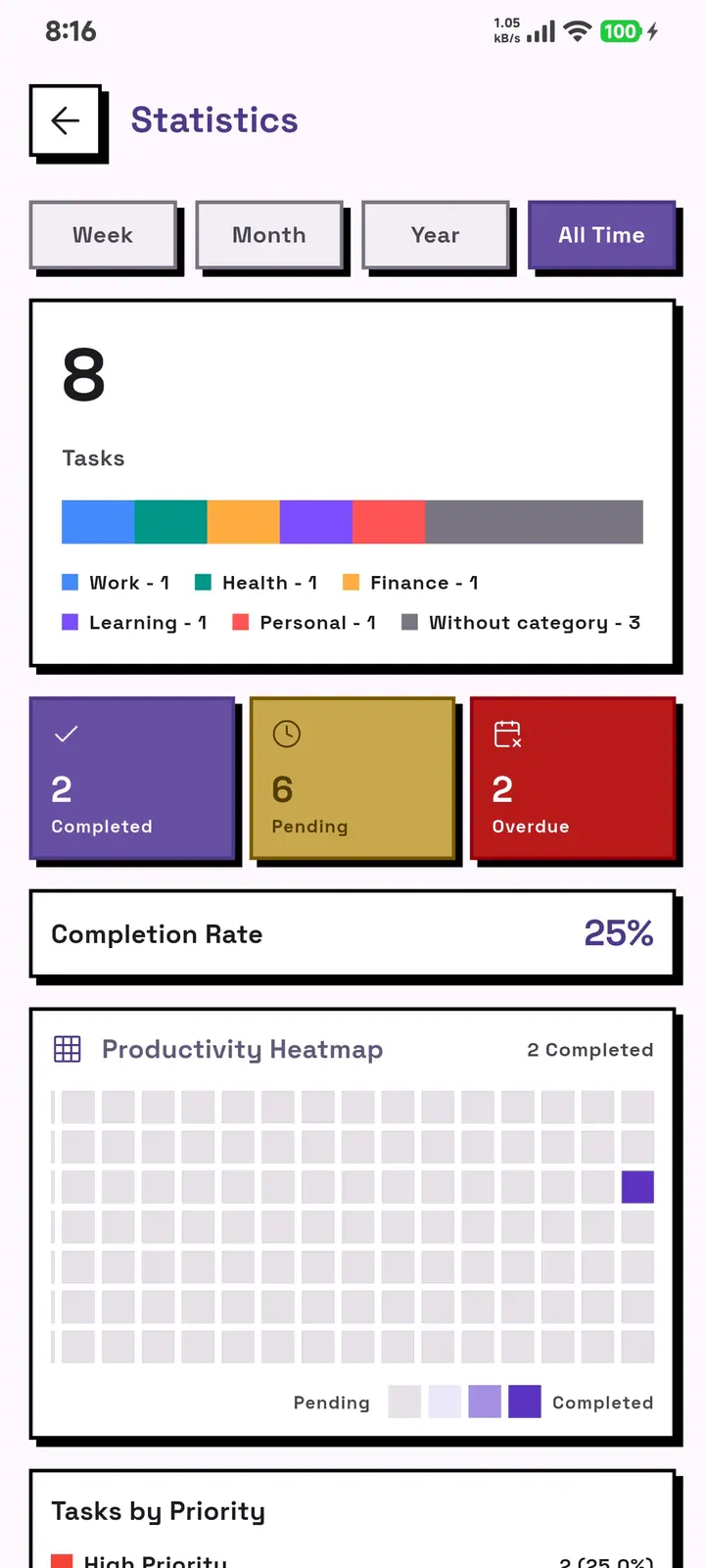
GridDo turns your activity into something you can see: how much you complete, which categories you spend time on, and which days were your most productive. The heatmap shows your consistency at a glance.
GridDo has no accounts, no servers holding your tasks and no sync between devices. Write, schedule and organize with the phone in airplane mode: the database belongs to the phone and does not leave it. The only thing that travels is a couple of technical diagnostic events, with nothing of what you write in them.
Careful: uninstalling deletes everything
The database with your tasks, categories, settings and Pomodoro history lives inside the app. Uninstall it and it goes with it, with no copy anywhere. If a task matters to you, do not uninstall, or take your own copy first.
GridDo ships with seven color presets. Pick the one that suits you and the whole app changes tone: cards, buttons, alerts and screens. These are three of the seven, in the real home screen.
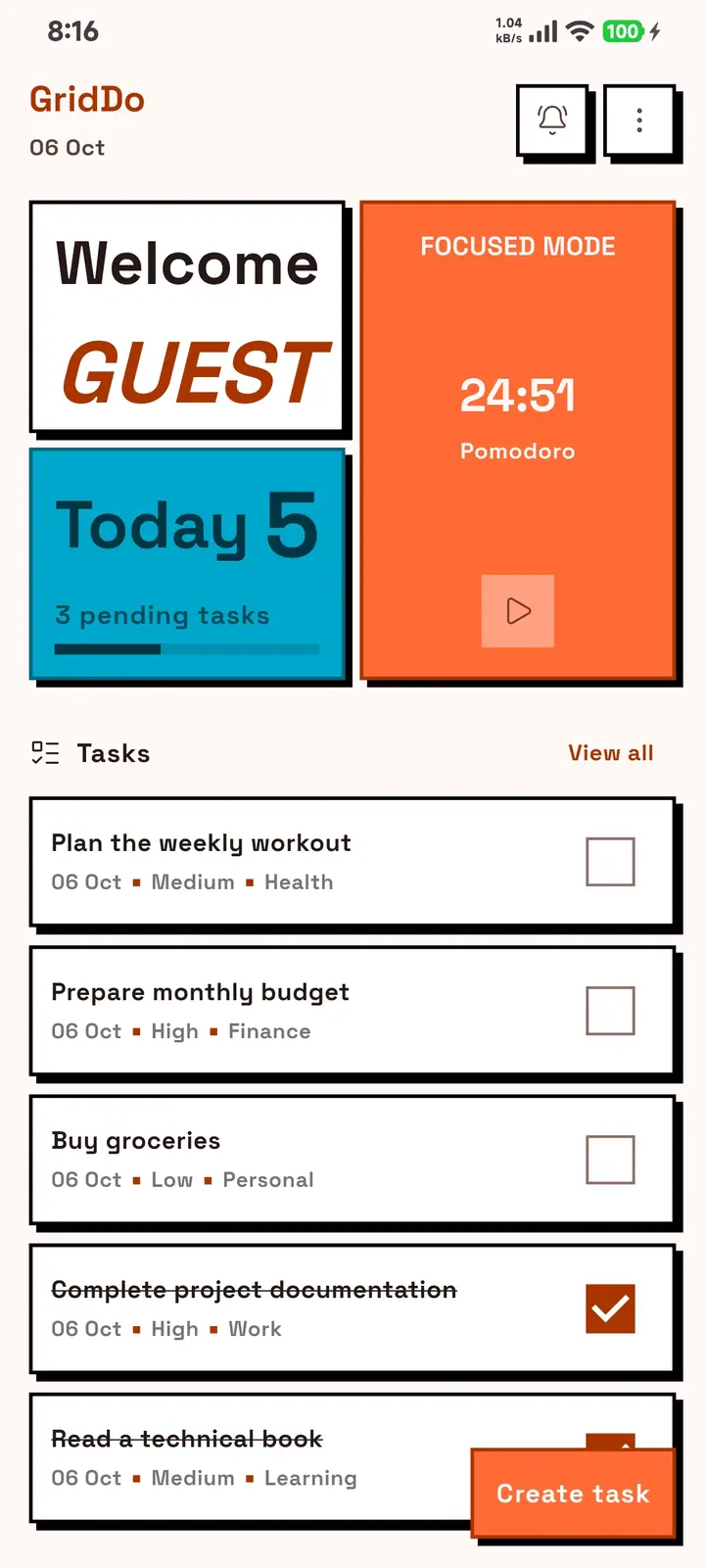
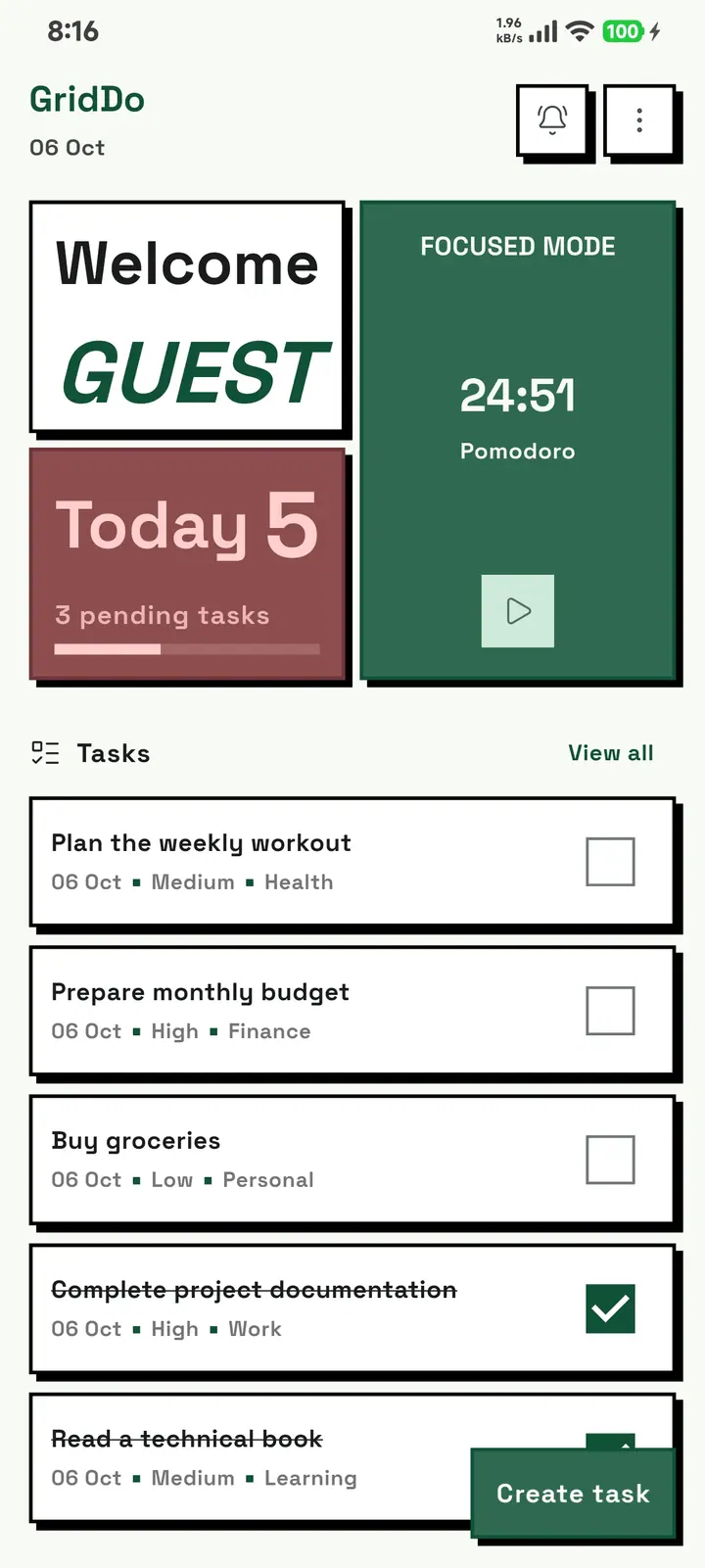
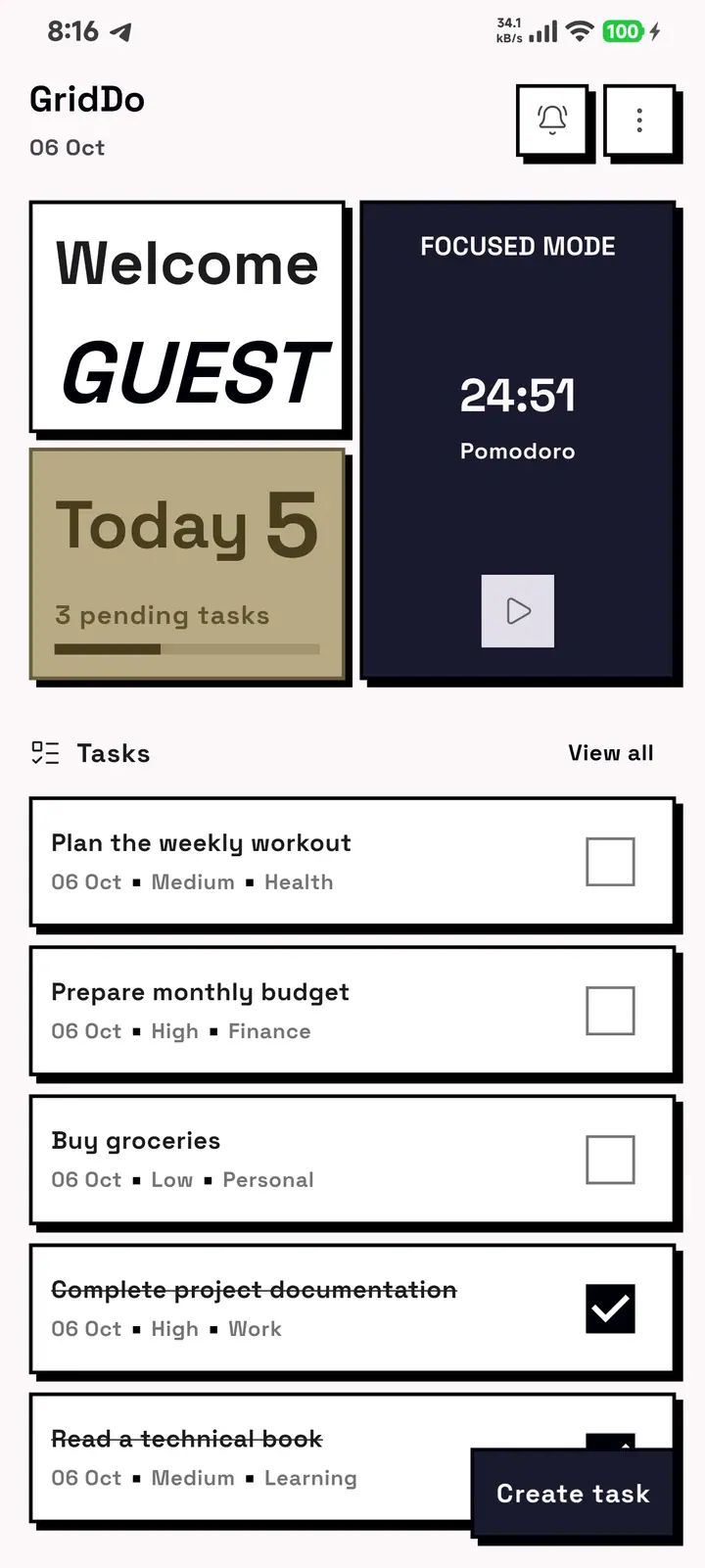
This website uses the Default theme. You pick the others inside the app.
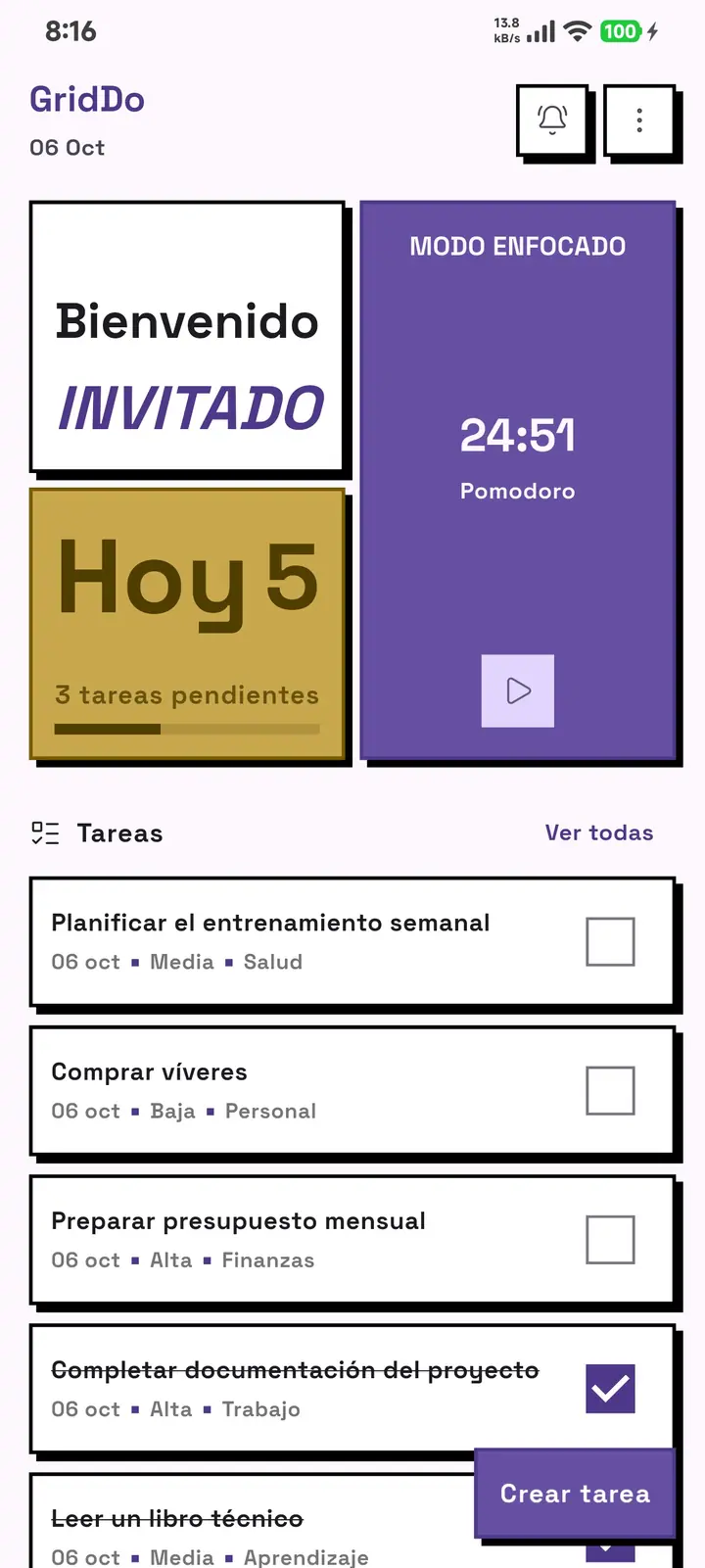
The interface, the alerts and the app texts are available in all four languages. Switching language is a one-tap setting, and below you can see the same screen in each of them.
What's on your mind?
¿Qué tienes en mente?
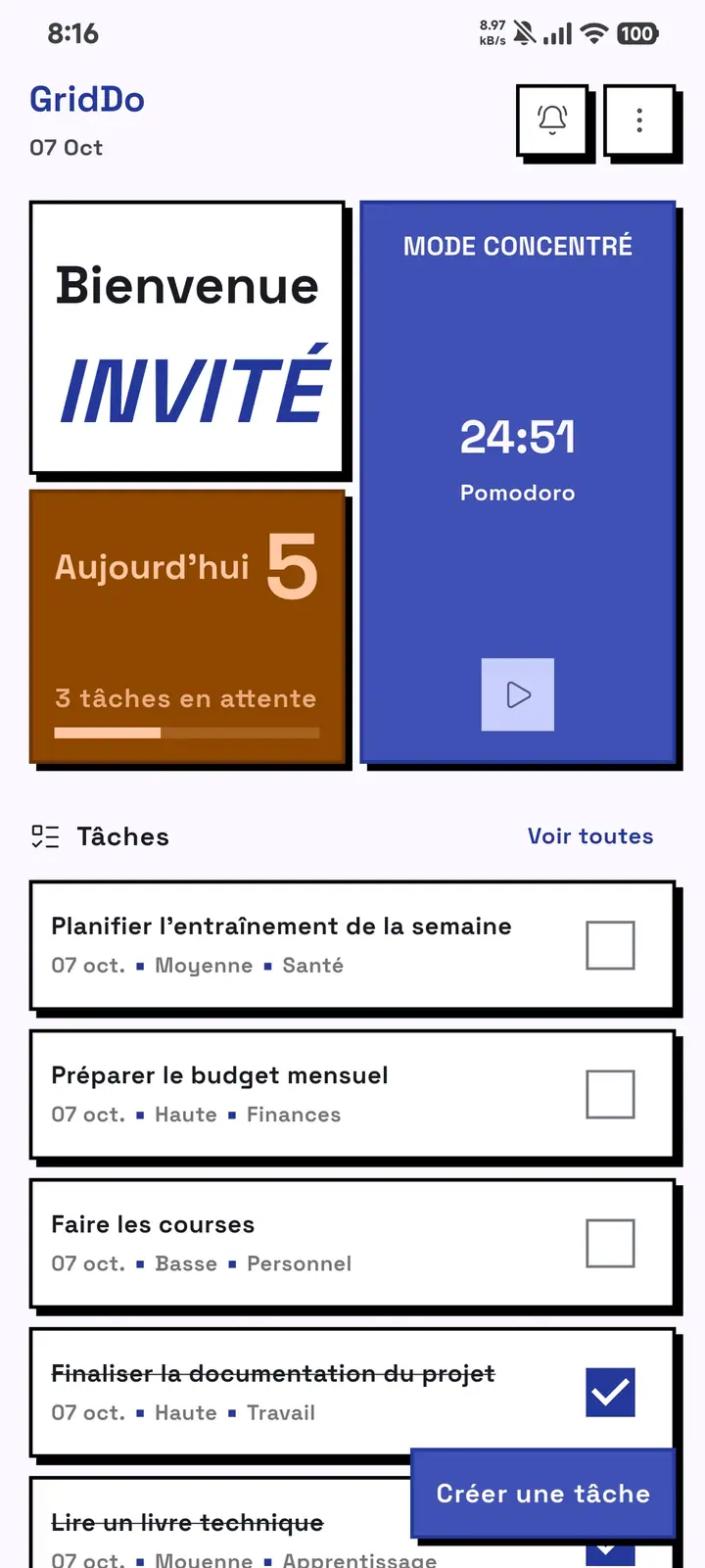
Qu'avez-vous en tête ?
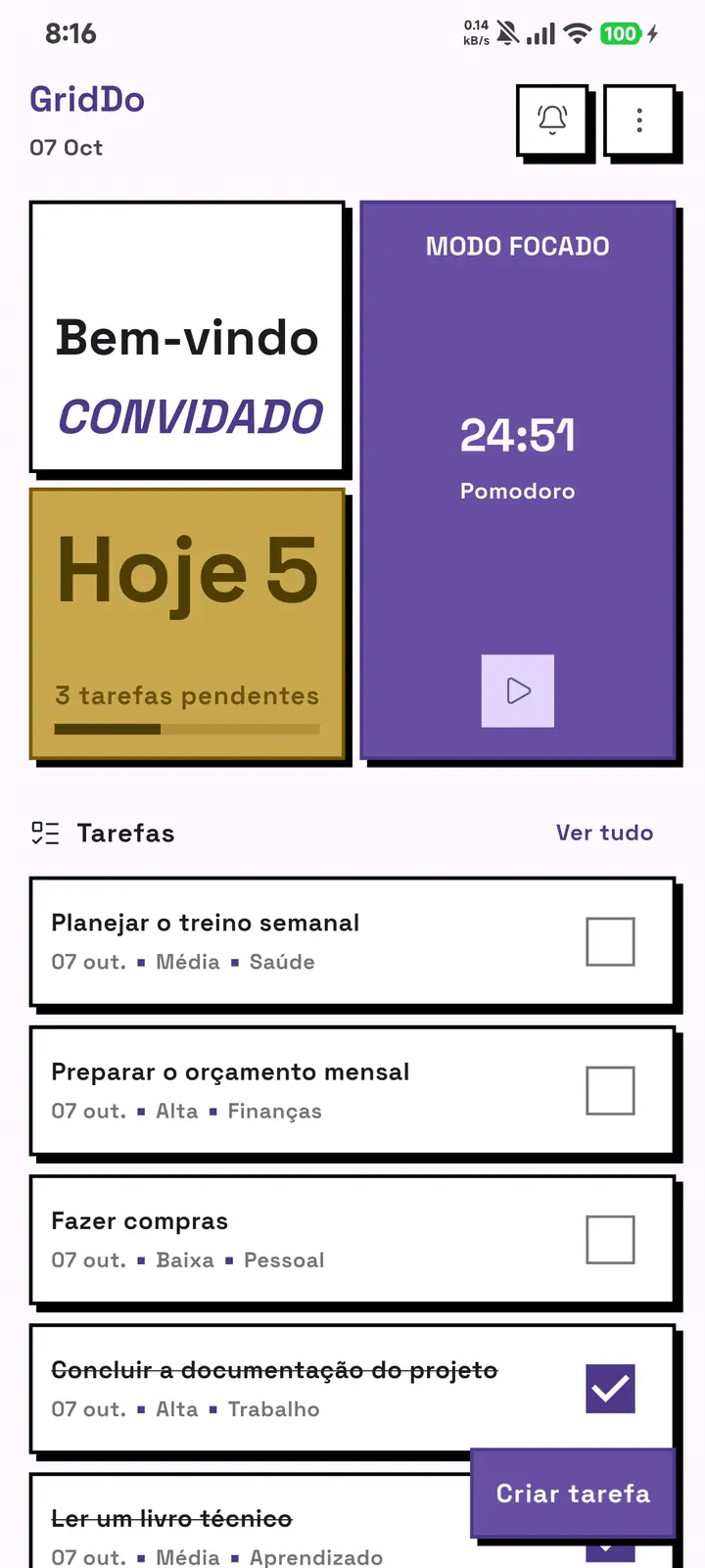
O que você tem na cabeça?
Download GridDo, create your first task in under a minute, and start seeing your week in order.
Download free on Google PlayFree · no subscription · no ads · no account · works offline